
Download Evrsoft First Page 2006 – web development, HTML, website creation, coding tool, beginner-friendly, web design, HTML editor, web page builder, web application, script assistant, code snippets, web tools, webmaster tool, online presence, web design software
Overview
Evrsoft First Page 2006 is a web development application designed to simplify the process of creating websites for users with varying levels of technical expertise. The software enables users to build sophisticated web pages without requiring in-depth programming knowledge, making it a valuable tool for beginners and a helpful assistant for more experienced developers. Its core purpose lies in streamlining web development through intuitive tools and a comprehensive database of HTML tags and scripts. By offering real-time previews and easy insertion of interactive components, the app reduces the learning curve typically associated with web design and coding.
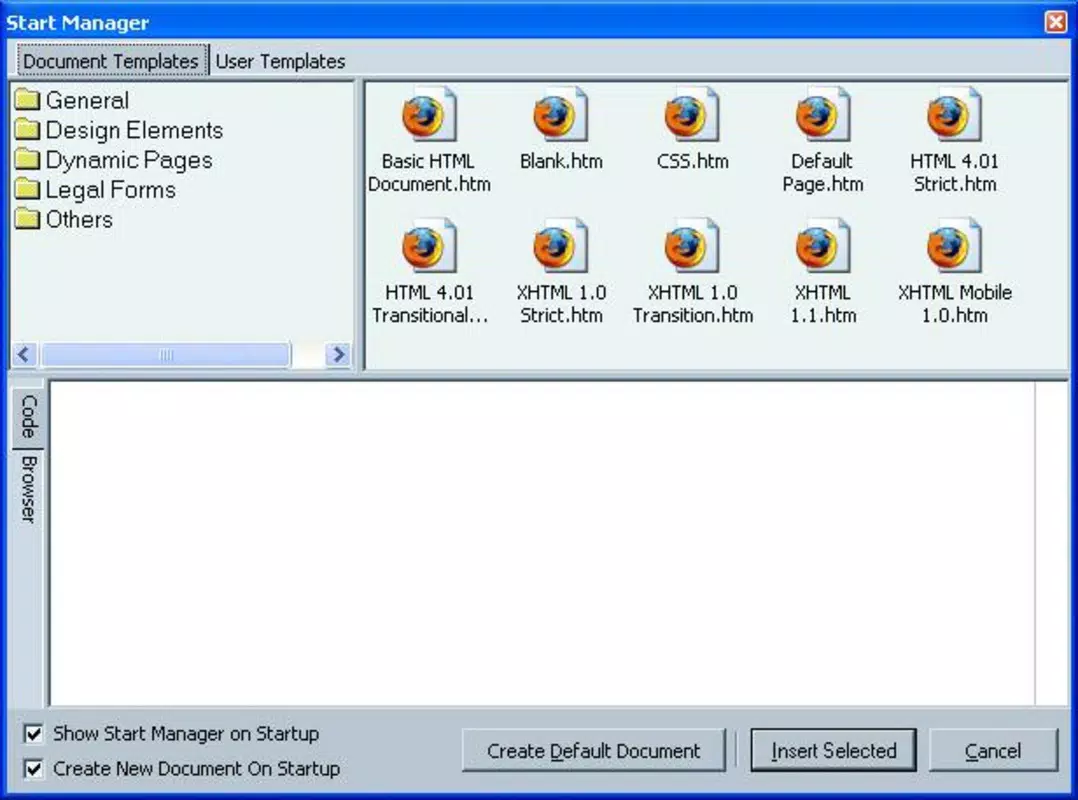
Target users include aspiring webmasters, students learning web development, small business owners creating online presences, and hobbyists interested in website creation. The application addresses common challenges such as mastering HTML syntax, integrating dynamic elements, and organizing code efficiently. It supports real-world use cases like building personal portfolios, small business websites, or educational projects. Despite its age, the software remains relevant in niche contexts where lightweight, standalone HTML editing tools are preferred over modern cloud-based platforms. The developer, Evrsoft, has positioned this tool as a reliable, self-contained solution for users who value direct control over their code without dependency on internet connectivity or complex frameworks.
Key Features & Functionality
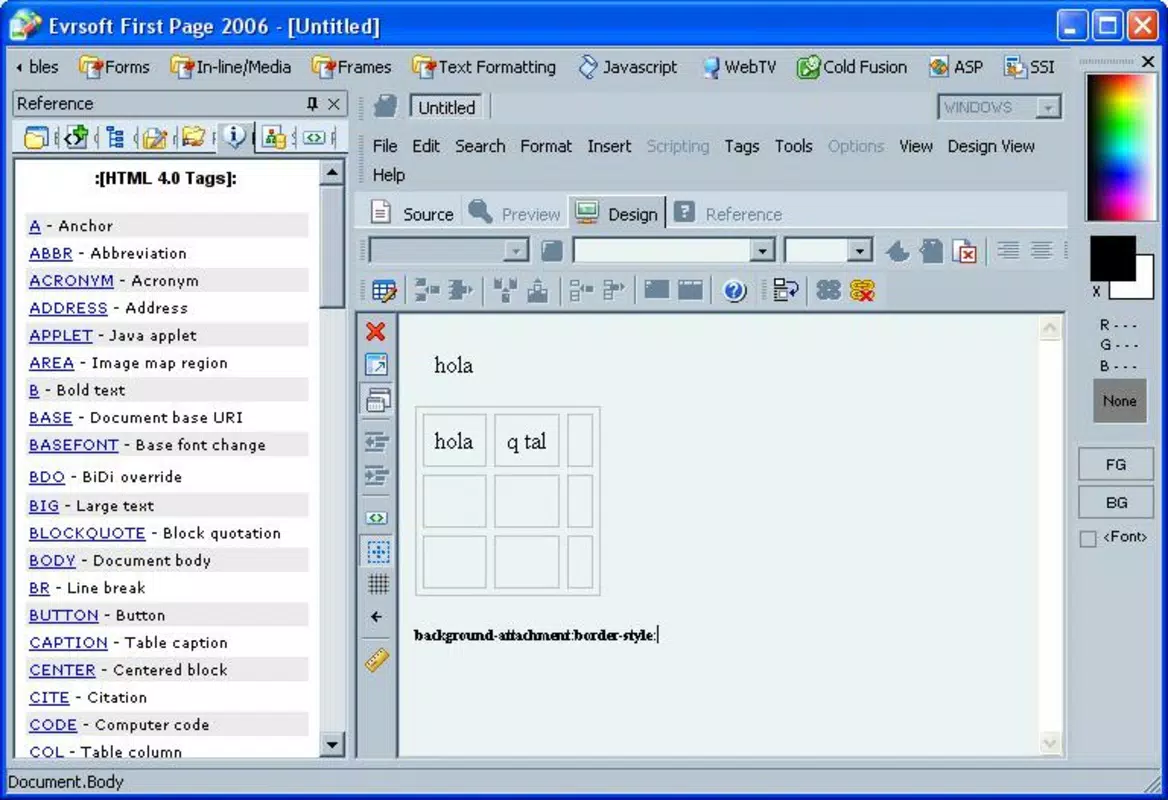
- Powerful Tags Database: A detailed repository of HTML tags and scripts with descriptions, enabling users to understand syntax and usage without external references.
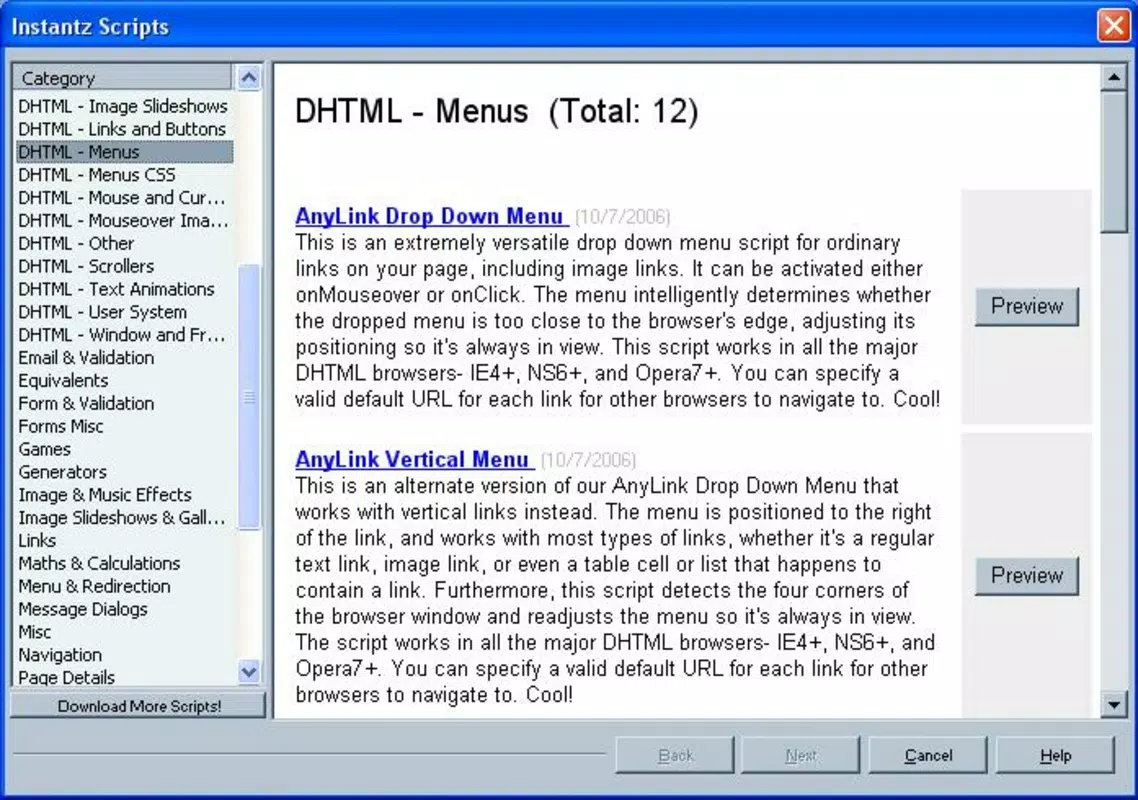
- User-Friendly Scripts Assistant: Allows one-click insertion and preview of complete web components such as forms, calendars, and interactive widgets.
- Beginner-Friendly Code Integration: Users can copy, paste, and edit code snippets directly, eliminating the need for advanced programming skills.
- Integrated Development Tools: Includes utilities like a JavaScript template assistant, spellchecker, HTML code compressor, and generators for thumbnails and photo galleries.
- Comprehensive Documentation: Offers in-depth guides on HTML, CSS, style sheets, and PHP functions to support users at all skill levels.
For example, a student creating a class project can use the script assistant to add a calendar to their site in seconds, while a small business owner can generate a photo gallery for their product listings without writing any code from scratch. The HTML code compressor helps reduce file size, improving load times, while the spellchecker ensures professional-quality content. These features collectively enhance productivity and reduce the risk of errors, making the tool effective for both learning and practical application.
Interface, UX & Performance
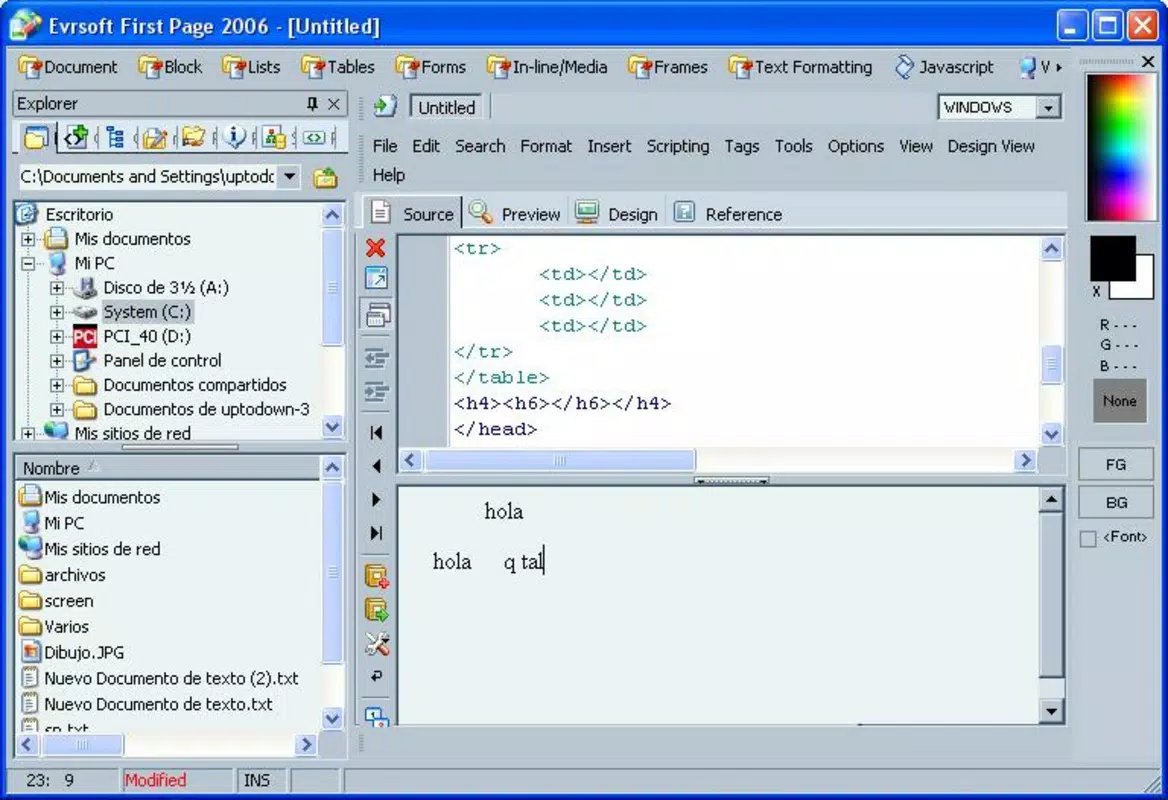
The user interface of Evrsoft First Page 2006 reflects its design philosophy of accessibility and functionality. The layout is structured around a clean, organized workspace with clearly labeled panels for code editing, preview, and tool access. Navigation is linear and predictable, allowing users to move between coding, previewing, and tool usage with minimal friction. The visual style is minimalistic, focusing on content rather than decorative elements, which helps maintain focus during development.
Although the developer did not list formal performance metrics, the application’s lightweight file size of 10.5 MB suggests optimized resource usage. It is expected to run smoothly on modern Windows systems, particularly those with standard configurations. Responsiveness appears to be consistent across different screen sizes and resolutions, though specific testing on older hardware was not provided. Stability is likely maintained through its long-standing presence in the development ecosystem, though no information on crash rates or update frequency was disclosed. The app does not require internet access for core functionality, which enhances reliability in offline environments.
Platform Compatibility & Technical Requirements
Evrsoft First Page 2006 is designed for the Windows operating system. The software is compatible with Windows platforms, though specific version requirements were not listed. The file size is 10.5 MB, indicating a compact installation that requires minimal storage space. The developer did not specify minimum OS requirements, nor did they provide details on processor, RAM, or graphics capabilities. As such, compatibility with current Windows versions (e.g., Windows 10 or 11) cannot be confirmed with certainty.
Users should consider testing the application on their system before installation, especially if using a newer or non-standard configuration. The absence of mobile or cross-platform availability means the tool is limited to desktop environments. Given its release date of November 12, 2019, it is important to note that the software may not fully leverage modern Windows APIs or security protocols. However, its standalone nature may also reduce vulnerabilities associated with online dependencies.
Pros and Cons
Pros
- Intuitive interface suitable for beginners and intermediate users.
- Comprehensive database of HTML tags and scripts with clear descriptions.
- One-click script insertion and previewing reduces development time.
- Includes useful tools like code compression, spellchecking, and gallery generators.
- Offline functionality ensures consistent performance without internet dependency.
Cons
- No official information on compatibility with modern Windows versions.
- Limited to Windows platform; no support for macOS, iOS, or Android.
- Release date suggests the software may lack support for current web standards.
- No known update history or developer support channels.
- File size is small, but may indicate limited scalability for complex projects.
FAQ
Is Evrsoft First Page 2006 safe to download and install?
The software is distributed by Evrsoft, a known developer in the web tools space. While the developer did not provide security certifications, the app’s standalone nature and lack of internet permissions reduce the risk of malware exposure. Users are advised to download from official sources and scan the file with antivirus software.
Can I use Evrsoft First Page 2006 on Windows 10 or 11?
Compatibility with Windows 10 or 11 is not officially confirmed. The developer did not specify minimum OS requirements. Users should test the application on their system to determine functionality.
Is Evrsoft First Page 2006 free to use?
No. The software is priced at $49.95. There is no free version or trial period mentioned in the provided information.
Does Evrsoft First Page 2006 support modern web standards?
The developer did not provide details on support for HTML5, CSS3, or JavaScript ES6+ features. Given the release date and lack of updates, compatibility with current web standards cannot be guaranteed.
Can I update Evrsoft First Page 2006 after installation?
No update history or update mechanism was disclosed. The software appears to be a static release, with no indication of future updates or patch support.
Final Thoughts
Evrsoft First Page 2006 stands as a specialized tool for users seeking a lightweight, offline-capable solution for web development. Its strength lies in simplifying HTML and script integration through a well-structured database and intuitive assistants, making it accessible to those without formal coding training. While its age and lack of modern support present limitations, its core functionality remains relevant for basic website creation tasks. The inclusion of practical tools like code compression and gallery generation adds tangible value for small-scale projects.
Users who prioritize control, offline access, and a straightforward workflow will find the app particularly useful. It is ideal for educational purposes, personal websites, or legacy projects where modern frameworks are unnecessary. For those needing advanced features, responsive design, or cloud collaboration, alternatives may be more suitable. However, for its intended audience, Evrsoft First Page 2006 delivers a focused, efficient experience.
Download Evrsoft First Page 2006 now


